The Most Expensive Five Minutes in Legal Practice#
"Sir, any update in my matter?"
Each call is five minutes. Forty active clients calling even twice a month is more than a full working day — spent repeating information that already exists on the court record: the next date, the current status, whether the order has come.
Clients are not being difficult. Litigation is opaque and frightening from the outside, and for most clients this case is the biggest thing happening in their life that year. Silence reads as neglect; they call because calling is the only interface they have. The fix is not more patience — it is giving clients a better interface than your phone number.
What Clients Actually Want to Know#
Strip the anxiety away and client questions reduce to five facts:
- 1When is the next hearing? — and did the date change?
- 2What happened at the last hearing? — one honest line, not a transcript.
- 3What is the current status? — pending, fixed for evidence, reserved for orders, disposed.
- 4Is there a new order? — and can they read it?
- 5Do they need to do anything? — appear, sign, produce a document, arrange a witness.
Facts 1–4 live on the official court record and can flow to the client automatically. Fact 5 is legal judgment — it stays with you. That split is the whole workflow.
The Workflow: Automate the Record, Keep the Judgment#
1. Track every client matter once
Every active matter goes into one dashboard, tracked against the official record. This is the foundation — updates can only flow to clients if they first flow to you. (Setup takes one sitting with bulk import; the solo-advocate software guide covers choosing tooling in depth.)
2. Give each client a window, not a phone line
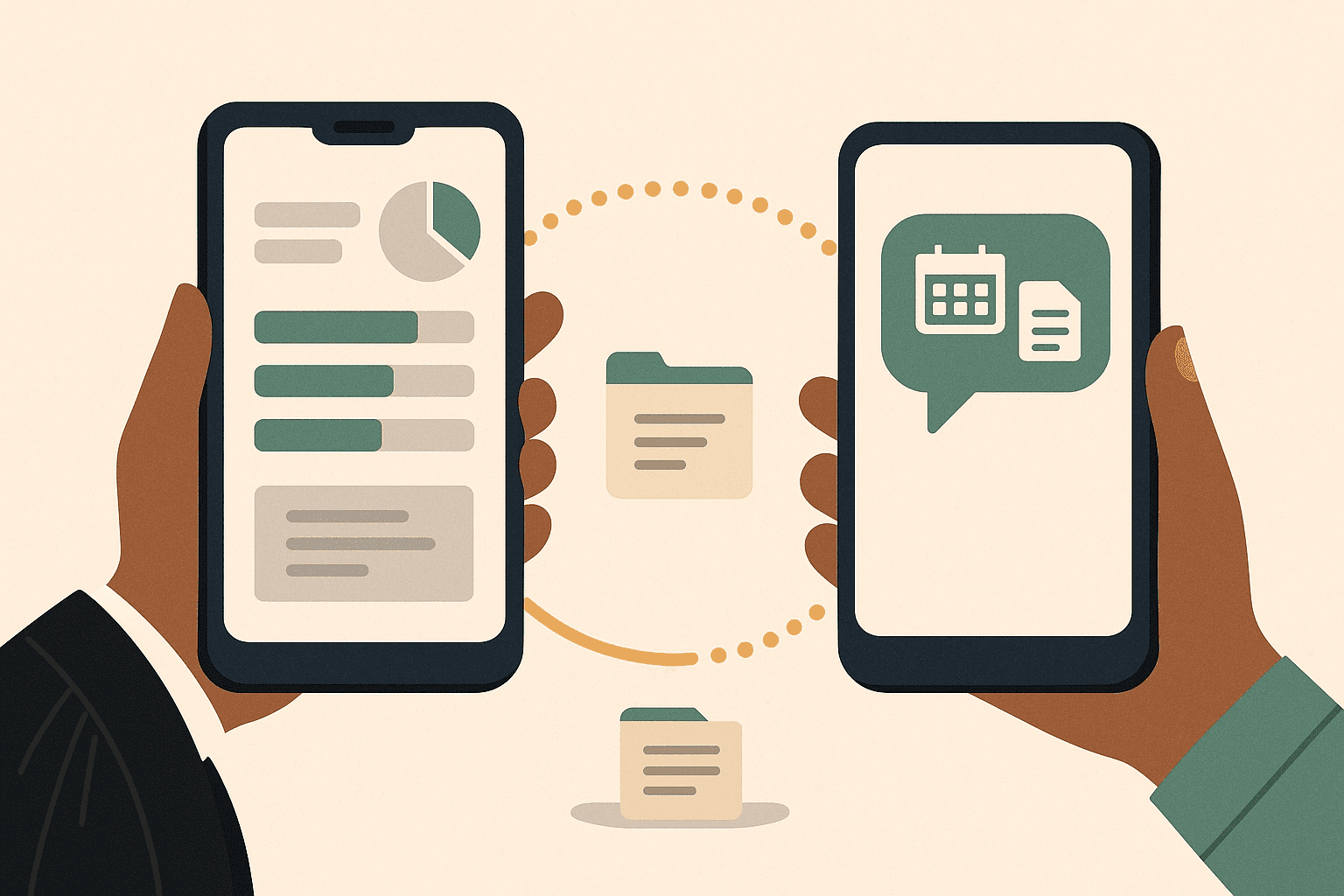
On India Case Status, each matter supports a read-only shared view — the client sees status, next hearing date and orders for *their* case, nothing else. No login gymnastics, no access to your other files, nothing they can edit. Firms get the same per-matter share links across a shared team workspace, presented cleanly to the client.
The effect is immediate and measurable: clients who can see the next date stop calling to ask for it.
3. Let the record's changes reach them directly
When the official record moves — next date fixed, status changed, order uploaded — the update arrives as an alert on WhatsApp and email. Two details matter enormously in Indian practice:
- Language. Updates in 10 Indian languages mean the client in Madurai or Indore reads the alert themselves instead of calling you to translate it.
- Order copies. When an order is uploaded to the official record, the PDF lands against the case file. Sharing it takes one message, not a clerk's trip to the registry — and clients who can read the order ask you *better* questions.
4. Reserve your personal message for the two moments it counts
With facts automated, your outbound communication drops to two high-value moments:
- Before a listed hearing: "Your matter is listed tomorrow, item 34, Court 6. I will appear; you are not required." (This pairs naturally with the evening cause-list digest.)
- After a significant event: one line of what happened *and what it means* — the part no automation should attempt.
Everything else — date changes, routine adjournments, order uploads — has already reached the client by the time they would have called.
What NOT to Automate#
Boundaries make this workflow safe rather than reckless:
- Never automate advice. "Status changed to disposed" is information; "you should appeal" is advice. Automated channels carry the former only — the latter is a conversation, from you.
- Don't over-notify. A client does not need every procedural non-event narrated. Status changes, date changes and orders are the right granularity; a raw feed of every listing motion trains clients to ignore alerts.
- Bad news travels personally. An adverse order should reach the client with your voice attached, not as a bare PDF at 6 PM. The automation buys you the time to make that call properly — it does not make it for you.
- Keep the record straight. Shared views show the official record. If the record is wrong or lagging, say so before the client discovers the mismatch and wonders which version to trust.
For Firms: The Same Workflow, Multiplied#
A five-lawyer firm multiplies both the problem (hundreds of clients) and the risk (updates falling between associates). The Firm plan (₹799 per seat/month, minimum 2 seats) runs this workflow on a shared workspace: every matter visible to the team, per-matter client share links, one hearing calendar, and alerts reaching both the handling advocate and the client. The managing partner's question — "did anyone tell the client?" — stops having a bad answer.
For solo practice, Lawyer Pro (₹999/month, up to 500 matters) includes the client-sharing workflow end to end. Signup is self-serve — see plans. Corporate legal teams (banks, NBFCs, insurers) needing custom onboarding can request a corporate plan.
Frequently Asked Questions#
How do I send automatic case updates to clients on WhatsApp?
Track the matter on India Case Status and share its read-only view with the client. When the official record changes — next date, status, new order — the update reaches them on WhatsApp and email in their language, without you drafting anything. Start with your active matters.
Is it safe to give clients access to case information?
Shared views are read-only and scoped to that client's matter alone — they cannot see other files, edit anything, or act on the case. You are sharing the same public record the client could inspect at court, minus the friction. Legal strategy, drafts and notes stay private to you.
Will automated updates make clients call more or less?
Less — most "any update?" calls exist because the client has no other window into the case. Give them the window and the residual calls are the ones worth having: instructions, decisions and fees. Advocates typically see the difference within the first two weeks.
What should never be sent as an automated update?
Advice, predictions and bad news. "Order uploaded" can be automatic; "we lost, and here is what I recommend" must be you. Treat automation as clearing the routine so those conversations get your full attention.
Can clients in other languages read the updates?
Yes — alerts go out in 10 Indian languages, so the update lands readable rather than triggering a translation phone call.
Give clients a window, not your phone number. Track your matters, share read-only views, and reclaim the most expensive five minutes in practice. Start Tracking →