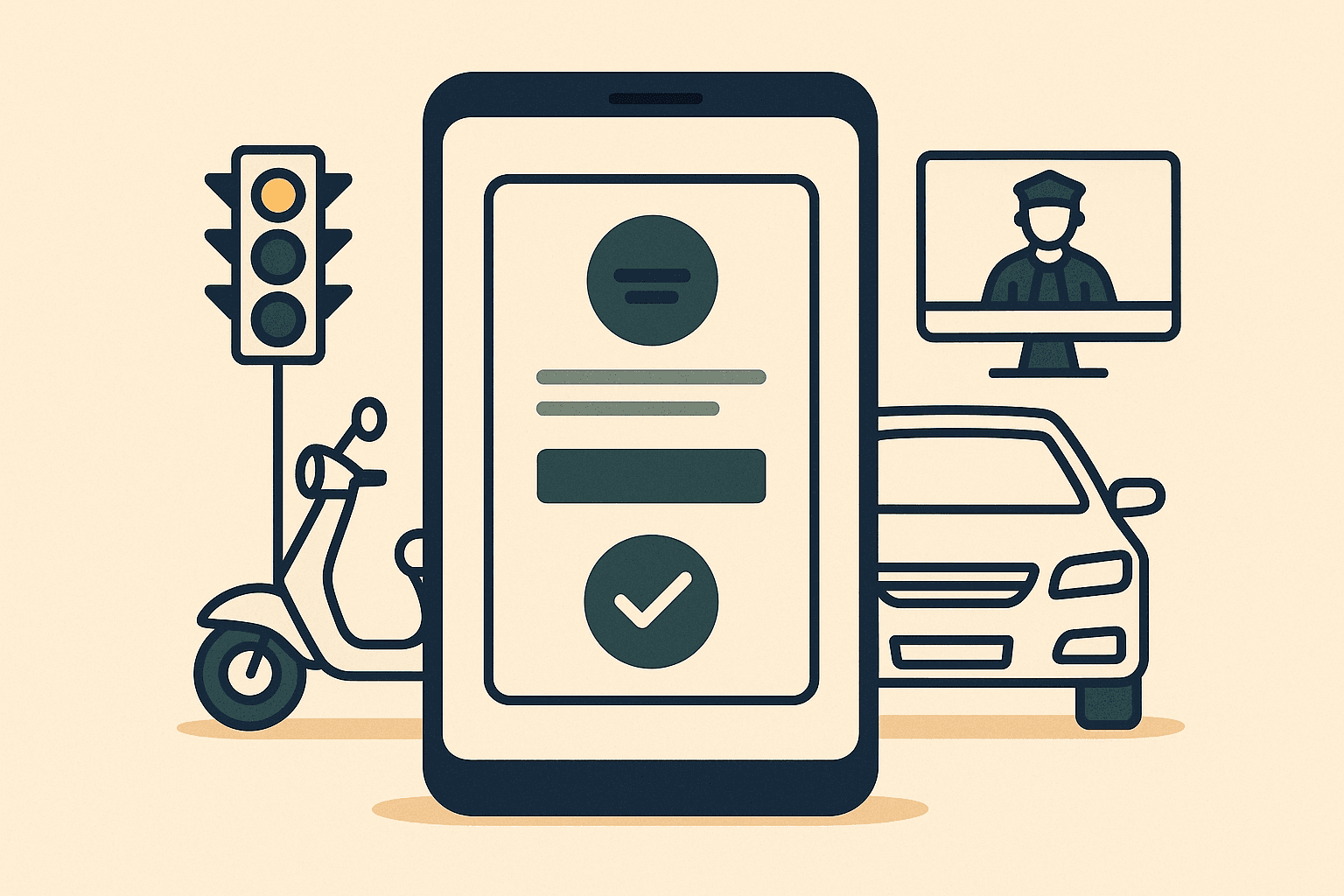
To check a virtual court traffic challan, open vcourts.gov.in, select the state whose virtual court issued the notice, and search by challan number, vehicle number, CNR number, mobile number or party name. You can view the proposed fine and pay it online — or contest it, in which case the matter moves to a regular court.
What Is a Virtual Court?#
Virtual courts are online courts created under the Supreme Court e-Committee's digital initiatives to dispose of traffic challan cases without anyone appearing in person. When traffic police or an automated enforcement camera records a violation, the challan can be forwarded to the state's virtual court. A judge deals with it digitally, a notice goes to the vehicle owner's registered mobile number, and the owner can accept the charge and pay the fine online — closing the case in minutes. Many states and union territories now route traffic challans through virtual courts.
The key mental shift: once a challan reaches vcourts.gov.in, it is no longer just a penalty slip. It is a court case — with a CNR number, a presiding officer and a judicial outcome — even though everything happens on a screen.
e-Challan, Virtual Court Case, Regular Court Challan: The Difference#
| Aspect | e-Challan (echallan.parivahan.gov.in) | Virtual court case (vcourts.gov.in) | Regular court challan |
|---|---|---|---|
| What it is | A violation notice from traffic police or the transport department | A court case created from the challan | A summons case before the jurisdictional magistrate |
| How you settle it | Pay online or at designated counters | Plead guilty online and pay the proposed fine | Appear in court to pay or contest |
| If you ignore it | Forwarded to the virtual or regular court | Transferred to the regular court | Summons; non-appearance can lead to a warrant |
The same violation can pass through all three stages in sequence — which is exactly why people lose track of challans: the identifier changes shape at each hop.
How to Check and Pay a Virtual Court Challan#
- 1Open vcourts.gov.in and choose the state whose virtual court handles the challan — generally the state where the violation occurred.
- 2Search with whatever identifier you have: challan number, vehicle number, CNR number, mobile number or party name. You may be asked to verify with an OTP sent to the registered mobile number.
- 3Open the case to see the violation details, the Motor Vehicles Act provision invoked, and the proposed fine.
- 4To accept the charge, choose the plead guilty option and pay through net banking, UPI or card. Save the receipt — the case is disposed once payment is confirmed.
- 5To dispute it, choose the not guilty option. The virtual court then transfers the matter to the jurisdictional regular court, where you or your advocate appear and contest the challan.
Contesting Instead of Paying#
Paying through the virtual court is legally an admission of the offence, so do not pay reflexively if the challan is wrong — a misread number plate, a vehicle you sold years ago, or a duplicate of a challan you already settled. Record a not-guilty plea instead, and argue the matter before the regular court when the case is transferred.
Note also that some offences never get the pay-online route. Drunk driving under Section 185 of the Motor Vehicles Act, for example, is not compoundable and requires appearance before a court from the start.
Provisions You Will Commonly See on a Challan
- Section 177 — the general provision for offences with no specific penalty
- Section 179 — disobedience of orders or obstruction of an officer
- Section 183 — over-speeding
- Section 184 — dangerous driving
- Section 185 — driving under the influence (court appearance required)
- Section 192 — using an unregistered vehicle
- Section 194B / 194D — seat belt and helmet violations
- Section 196 — driving without valid insurance
What Happens If You Simply Ignore It?#
Ignoring a virtual court notice does not make the challan disappear — it upgrades it:
- The virtual court keeps the case open for a limited window. Unpaid, uncontested challans are transferred to the regular court with territorial jurisdiction.
- The regular court registers a summons case and issues summons to the registered owner. Ignoring the summons can escalate to a bailable warrant — at which point a routine fine has become a criminal court appearance.
- Pending challans follow the vehicle and the licence. In many states they surface during RC transfer, fitness renewal, NOC issuance and insurance processing, so the backlog eventually forces itself onto your desk.
- Lok Adalats periodically take up pending traffic challan matters — legal services authorities announce National Lok Adalat dates several times a year — and are a practical settlement route once a matter has reached the regular court.
Checking the Regular Court Case That Follows#
Once a challan leaves the virtual court, it becomes an ordinary case on the eCourts record:
- 1Open services.ecourts.gov.in and click Case Status.
- 2Select the state and district where the violation occurred.
- 3Search by party name — the registered owner's name exactly as it appears on the RC. Our party-name search guide covers the spelling tricks that make this work.
- 4Alternatively, search by CNR number if you noted it from the vcourts record.
- 5Traffic prosecutions appear under summary-trial or Motor Vehicles Act case types, whose labels vary by state.
For the metro courts where traffic prosecutions pile up fastest, see our tracking pages for Delhi district courts, Gurugram, Noida, Mumbai and Bengaluru.
An honest note on scope: India Case Status tracks court cases on the official judicial record — including the magistrate-court case that follows an unpaid or contested challan. It does not process challan payments and does not track the virtual court payment stage itself. Once your challan has become a regular court case, it can be added and monitored like any other matter: dashboard, hearing calendar, order PDF archive, client sharing, and WhatsApp and email alerts in 10 Indian languages whenever the official record changes.
Don't Let a Challan Become a Warrant#
A traffic challan is the easiest court matter in India to lose track of — there is usually no lawyer, no file, and nobody watching the cause list. If your challan has been transferred to a regular court, add the case and get an alert before every hearing date instead of a surprise after one.
Frequently Asked Questions#
Is vcourts.gov.in the same as eCourts?
No, though both are official judiciary portals. eCourts (services.ecourts.gov.in) shows the status of cases in regular district and taluka courts, while vcourts.gov.in is the portal for virtual courts that handle traffic challans online. A challan case starts on vcourts; if it is unpaid or contested, it moves to a regular court and then appears on eCourts.
How do I know if my challan went to a virtual court?
A notice is normally sent by SMS to the mobile number registered against the vehicle. You can also search vcourts.gov.in proactively by vehicle number or mobile number, and check echallan.parivahan.gov.in for police-stage challans. If you changed your mobile number without updating the RC, search proactively — notices may be reaching the old number.
What if I already paid but the challan still shows as pending?
Keep the payment receipt and allow a few days for the government portals to reconcile the payment. If the entry still shows as pending after that, raise it with the helpdesk contact listed on the portal or with the traffic police unit that issued the challan, quoting the receipt number. Do not pay a second time before the first payment is traced.
Can I contest a virtual court challan without going to court?
You can record the not-guilty plea online, but the contest itself happens offline: the virtual court transfers the case to the jurisdictional magistrate, and you or your advocate appear there. Before contesting, weigh the proposed fine against the time and cost of court appearances — and gather your proof, such as payment receipts or sale documents, in advance.
Does India Case Status track virtual court challans?
The platform tracks regular court cases on the official judicial record. A challan sitting at the virtual court payment stage is not tracked — but the moment it transfers to a regular magistrate court after non-payment or a not-guilty plea, that case can be added and monitored, with hearing-date and order alerts on WhatsApp and email.